
The OnePage theme is featured rich one-page Business theme. This theme is actually a free theme but the premium version is where you get all the bells and whistles. I’ll share the free versus premium features later in the blog post. You can create menu links in the menu bar and when clicked on, the theme will scroll down to that section. Some of the homepage images have a nice special effect when hovering your mouse over them. Do check out the demo version to get a real live action shot.
If done correctly, using this theme and all its widgets you can create the ultimate business page to drive in traffic, clients and potential clients but adding an autoresponder box. I mentioned about this theme has a lot of features and I will try to get to most of them. The demo version blew my mind away. I never saw a one-page theme design like this before.
OnePage Features
(Paid version & some features below included in free version)
- Home Page Section Sorting
- Custom Home Page Section
- Team Section
- Theme Layout
- Social Icons
- Color Options
- Font Size Options
- Google Fonts
- Interactive Icon Selection
- Auto Slider
- Custom CSS & JS Section
- Footer (on/off) option
- Custom Menu
- Sidebar Position Option
- Theme Typography
Some details of the features.
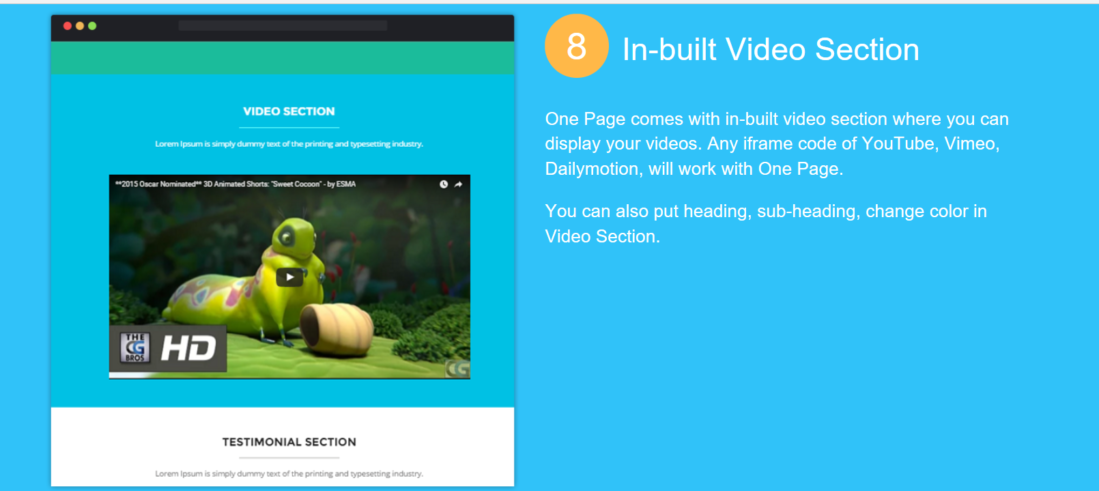
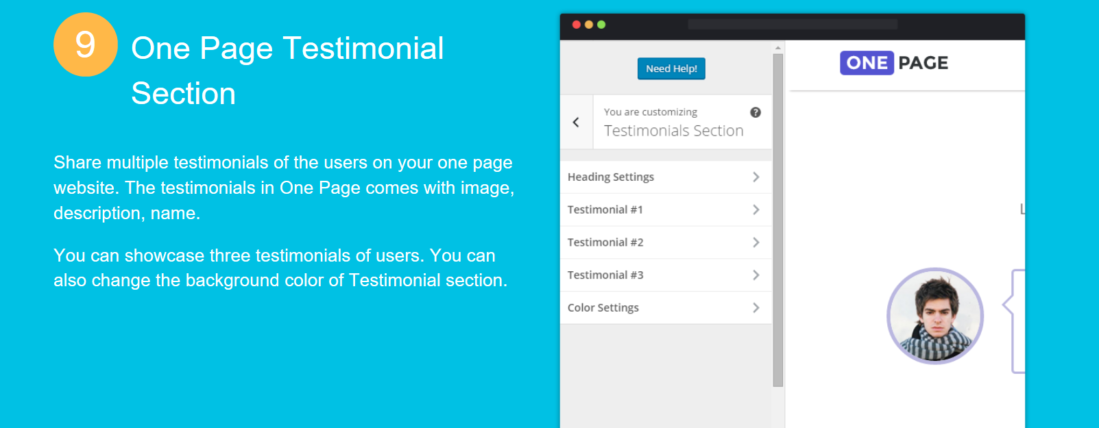
Using the theme customizer, it’s really simple to set up the whole theme. Take the Testimonial Section for an example.
Create a pricing chart or a services chart with ease.

Free Theme versus Paid Version
It’s worth the upgrade if you want all features with this unique business theme.


Additional Information
This is not a Genesis Framework theme but is still a child theme. You can still customize this theme with plugins such as the ones WPOutcast is using or search through our WordPress Plugins category.
As with any theme, making sure the SEO is done right is very important. There is one plugin we have recently used and one we are currently using; both are listed below. Here are step by step guides so you will have the plugin set up correctly for best performance.
- Recommended SEO Guide: How To Set Up The Yoast Premium SEO Plugin
- Recommended SEO Guide: The WP Meta SEO Plugin: An Alternative SEO Plugin
My final Thoughts
Overall, the OnePage Theme will give you a professional business look at a very affordable price, plus you can customize this theme even further to suit your business needs. Go check out the demo version’s to see what this theme has to offer.
If you are currently using the OnePage theme, share your URL in the comment section and I’ll give a short review on your blog with my suggestions for making it even better.
If this blog post was helpful, don’t forget to share it online with your followers.

Hi Derek,
very nice article,keep up the good work.
Hi Derek,
Very Nice Article, Keep Up the Good Work
Hi Derek,
Very well explanation of using One page theme.Yes, it provide lots of theme options for free which most of theme does not provide.And best part it is supporting child theme as well.Keep it up man.
Wow Thank you for sharing the knowledge