
Landing pages are so valuable in so many ways and can be used to drive sales, leads and can even run contests. You can let your imagination run wild when creating landing pages. A landing page is a separate page from your blog that is a full-page ad in a sense, although it doesn’t always have to be. I have used landing pages to promote my Amazon book and even short email course’s in which I gained a lot of subscribers via an autoresponder.
Here is the technical definition of a landing page:
In the purest sense, a landing page is any web page that a visitor can arrive at or “land” on. However, when discussing landing pages within the realm of marketing and advertising, it’s more common to refer to a landing page as being a standalone web page distinct from your main website that has been designed for a single focused objective.
This means that your landing page should have no global navigation to tie it to your primary website. The main reason for this is to limit the options available to your visitors, helping to guide them toward your intended conversion goal. ~Source
Some examples of how I used a landing page: (Using the Instabuilder plugin)

Another screenshot:

The example above is just one of many ways to use landing pages.
Listed below are the landing page plugins that we recommend giving a look at.
Landing Page Plugins

The Landing Page has 2 different versions. The free and the paid one. The free one is good enough to use and you can always upgrade when you starting earning money with your blog. If you want to invest more into this plugin you will have a lot more options available.
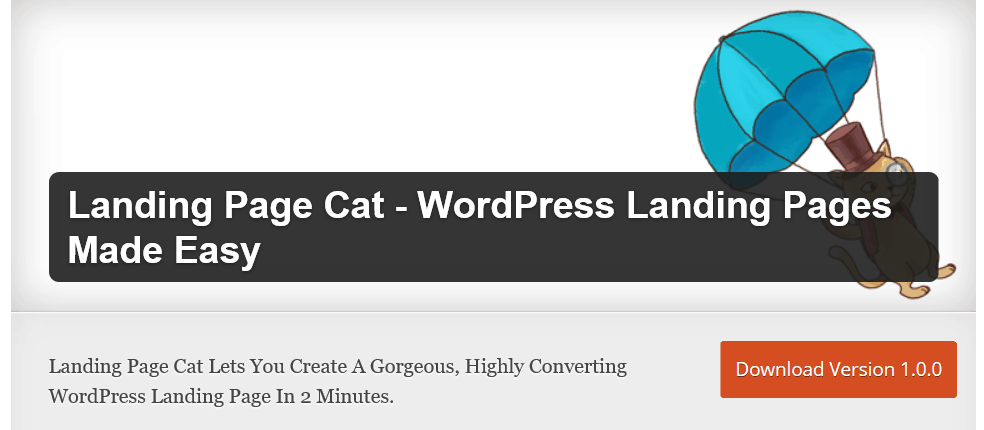
The Landing Page Cat is a free plugin and is easy to set up. I have used this with my test blog.
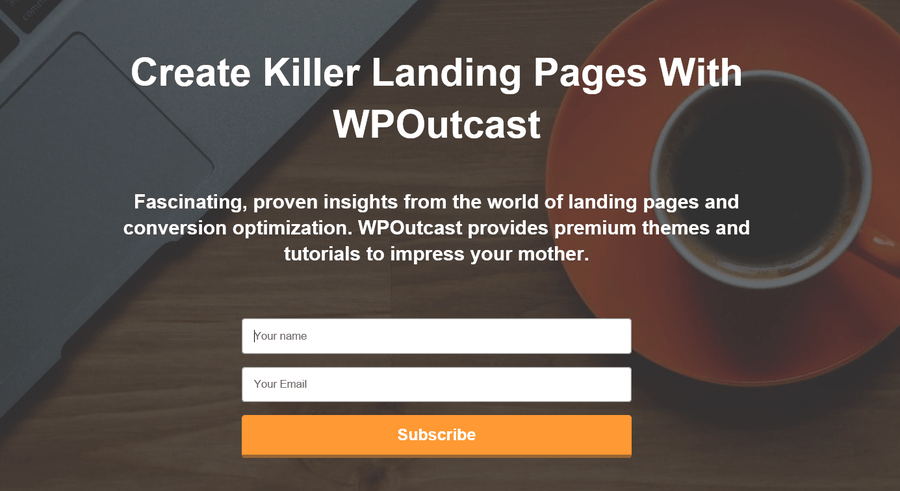
You can tell I didn’t put much effort into that example but I linked the sign-up form to my MailChimp account.t
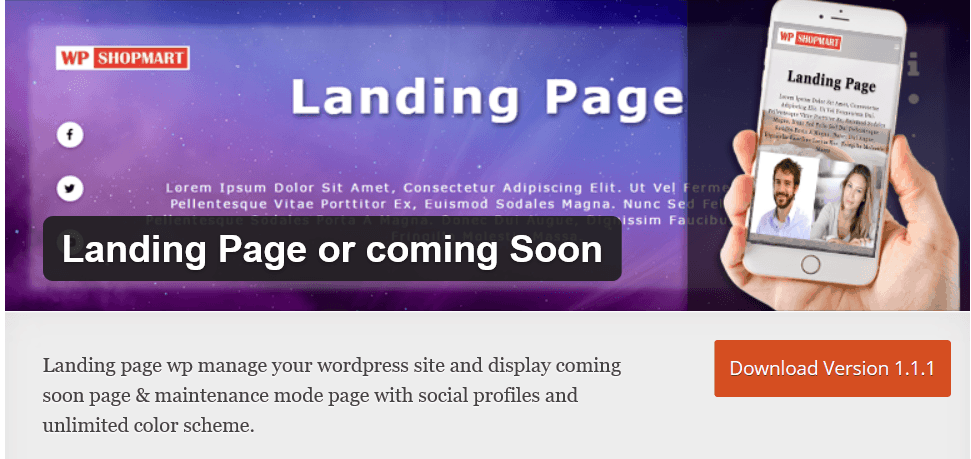
The Landing Page or coming Soon is a plugin that offers several features. Here is an example of a Feminine Coming Soon theme versus using a plugin.
Here is a video to watch about the plugin.
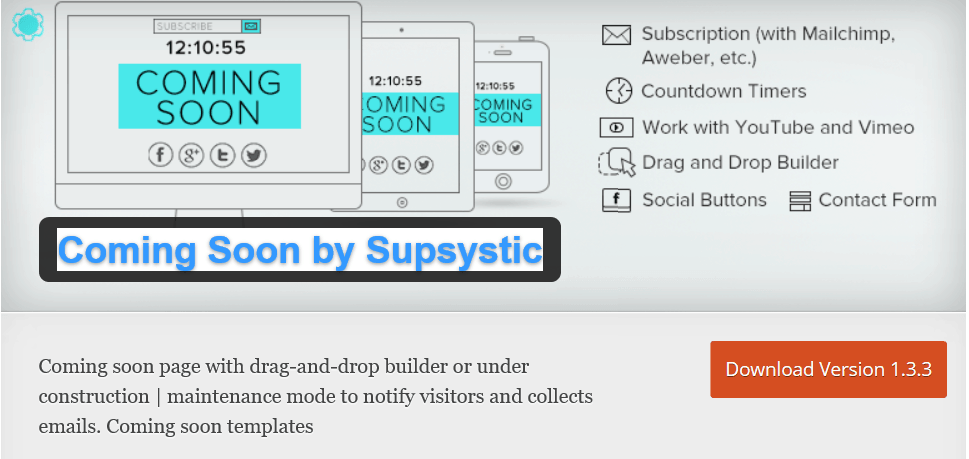
The Coming Soon by Supsystic is a fairly new plugin and is picking up some popularity throughout the WordPress community. The features speak for itself. I had a chance to test out this plugin and thought it was fairly simple. Here is an example I created using this plugin.
The only limitation is that the pro features are far better than the free-to-use version.
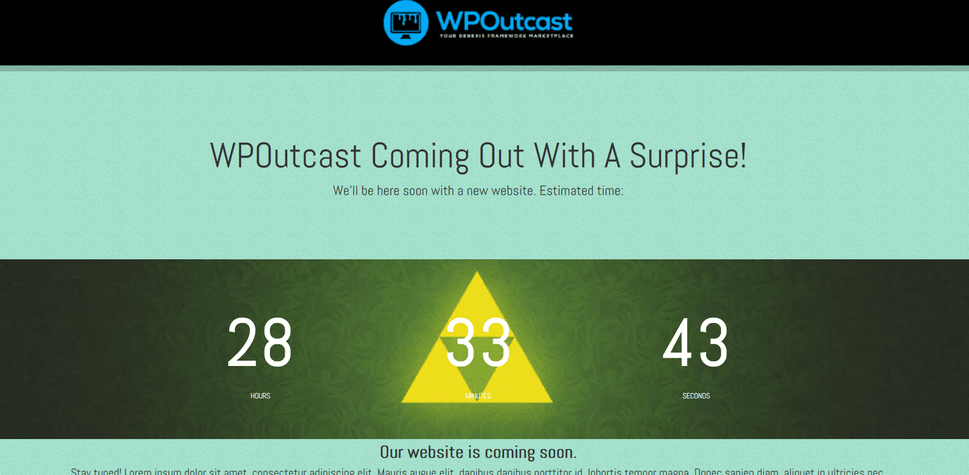
Pro version is $29 for 1 blog which is not that bad. Took me 1 minute to create a landing page.
The Sunny Landing Pages plugin will brighten up your landing page for sure. Here are the main features that I really like. In a few minutes, you can create any type of landing page.
- Coming Soon Landing Pages
- Lead Generation Landing Pages
- Click-Through Landing Pages
- Product Detail Pages
- Viral Pages
- Industry Landing Pages including – Real Estate, Banking/Finance, Insurance, Travel, Healthcare, B2B and many more.
Here is a video showcasing this awesome landing page plugin.

The Landing Page Builder plugin is a good plugin to use, there is a paid version that I suggest taking a closer look at, the pricing is reasonable for excellent features. The free version is just as powerful though.
Some Features:
- Easy to use Drag and drop layout builder.
- Visual Page Editor.
- Landing Page builder plugin produce responsive pages.
- Landing Page builder is extendable with paid addons.
- Landing Page builder plugin is compatible with almost all modern themes.
Watch these 2 videos to learn more about this landing page plugin.
The WordPress Landing Pages plugin makes use of the Advanced Custom Fields framework. monitor and track conversion rates, run a/b or multivariate split tests on landing pages and much more. I like how easy it is to create a landing page and a good one I might Add. I’ll share an image of something I came up with quickly. Here are the notable features.
- Create beautiful Landing Pages on your WordPress site.
- Visual Editor to view changes being made on the fly!
- Track conversion rates on your landing pages for continual optimization.
- Easily clone existing landing pages and run A/B Split tests on variations.
- Use your current WordPress theme or choose from our library of custom landing page designs.
- Pre-populate Forms with visitor information to increase conversion rates
- Gather lead intelligence and track lead activity with WordPress Leads
- Extend functionality with our growing repository of third party add ons.
- Easily implement your own custom landing page design.
Very easily look at basic stat’s to see which landing page created is doing good or needs some tweaking. (demo screenshot)
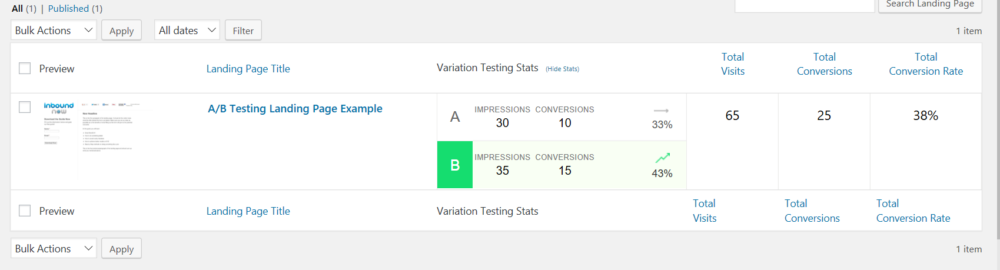
Brief over-view of this plugin.
It’s a free plugin which makes this yet another great landing page plugin for WordPress.
Wrapping It Up
The bottom line is that there are many landing page plugins to look at but you only need 1 of them. Keep in mind, I use coming soon plugins for landing pages because I can customize everything. You want to be in control of every minor details when it comes to creating a landing page for a specific thing or service.
Next up to read:
Don’t forget to share this blog post if you found it helpful.

Your article is great and given a good information. you said you use coming soon page for landing page. But how do we capture emails.
I use the Bloom Email Optin plugin its a paid one to create an autoresponder linked to my email list I want to use for the landing page. My newsletter subscriber is mailchimp https://www.wpoutcast.com/ultimate-email-opt-plugin-bloom/
I read your full website properly. I know about the landing page. It’s really helpful. Thank you for sharing your good information.