
Should you add a search box on your WordPress powered blog?
The answer is “Yes” and here’s why:
When I land on a blog post from a search engine, I will read the blog post that I clicked on and then proceed to look around the blog a little more. If I want to find more posts related to the topic, I will type my key phrase into a provided search box. This convenience keeps me on a blog longer because I am quickly able to search for the content I want. When a blog doesn’t have a search box it forces visitors to tediously click-through pages of content. This can deter visitors from staying or returning to your blog as many competitors offer a search tool.
Recently I landed on a blog with a beautiful theme. I thought the blog looked professional and the blogger must know what they were doing. Upon further inspection, I found that not only was there no search box but their category structure was poor. This lead to me spending way too much time searching through various categories for the information that I wanted. By the time I left the blog, I was very dissatisfied with is organization and layout.
So, have a search box on your blog. It makes the visitor’s lives easier when they are able to search through content and they will be more likely to return to your blog because of their positive experience.
- Also Read: How To Add A Widget Under The Navigation Bar
There are numerous ways to incorporate a search box. You can use plugins that enhance the standard WordPress search box or use Google search like we do in our side column. WPOutcast also uses the default WordPress search feature in the navigation bar, providing two different forms of searching on our blog.
Here are some effective ways to add a search box to your blog.
Plugins
- Search by Algolia – This is a great plugin to use to improve the standard WordPress search tool. This plugin allows more control over various settings.
- Search Everything – This is another WordPress search tool enhancer that increases customization.
There are many more search plugins but these are the two we would use if we were to go the plugin route. If you are looking for more plugins to spice up your blog, check out our mega-list of recommended plugins!
- Recommended tutorial: How To Install WordPress Plugin Through The Admin Dashboard
Google Search – The Better Choice
Google Search provides a comprehensive search tool for your readers and you can also earn revenue from this search box! You get a ton of customization features, although WPoutcast mostly uses the default setting.
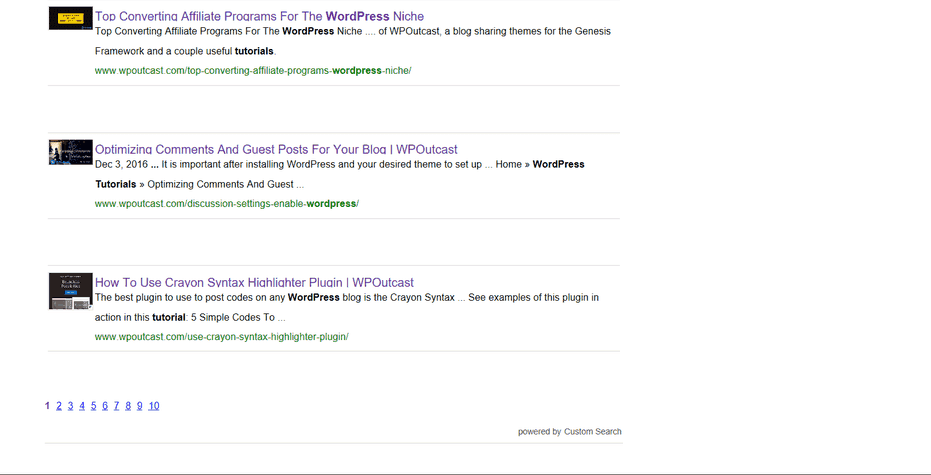
Follow the very same guide that WPOutcast used to create Google Search by reading the following blog post on Use Google CSE with the Genesis Framework.
Default Search Box
When in doubt, use the default search box widget. It’s as simple as dragging the widget into your side column. It takes fifteen seconds to make your reader’s life a thousand times easier.
On a side note, it dumbfounded me that some bloggers think that a search box it not important.
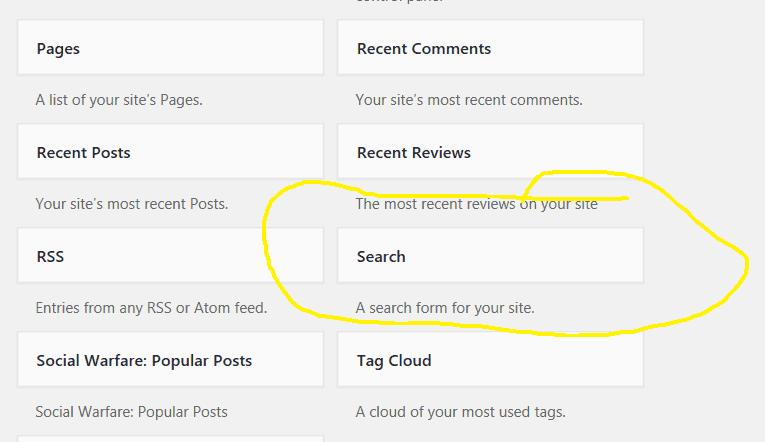
For Genesis Framework customers, the team provides 3 different codes for customizing the default box. Check them out using this Search Form link.
Do you have a search box on your blog? If not, explain why you choose not to have one in the comment form below.
Don’t forget to share this blog post with your followers, let’s have a discussion on the search box.

Leave a Reply